Redmi P27QDB-RA Review 2026: 27-Inch 2K 120Hz IPS Monitor at ¥629 — 98% Positive on JD
The Redmi P27QDB-RA is the ¥629 JD self-operated 27-inch 2K (2560x1440) 120Hz IPS monitor carrying a 98% positive rate — a 95% DCI-P3 productivity sweet spot for WFH, dorm and office desks that sits one rung below the Redmi gaming and high-refresh ladder (G27Q at ¥592.74, P27QEA-RG 320Hz at ¥855, A27U 4K above ¥1,000), and undercuts rivals like the HKC G27H2Max at ¥769 and Huawei MateView GT at ¥781.63. Xiaohongshu owners praise the 2K color panel for office work and rate the A27Q-family experience highly for movies and light gaming, while QC complaint threads about Xiaomi and Redmi panels are the honest caveat. Here is the full review.
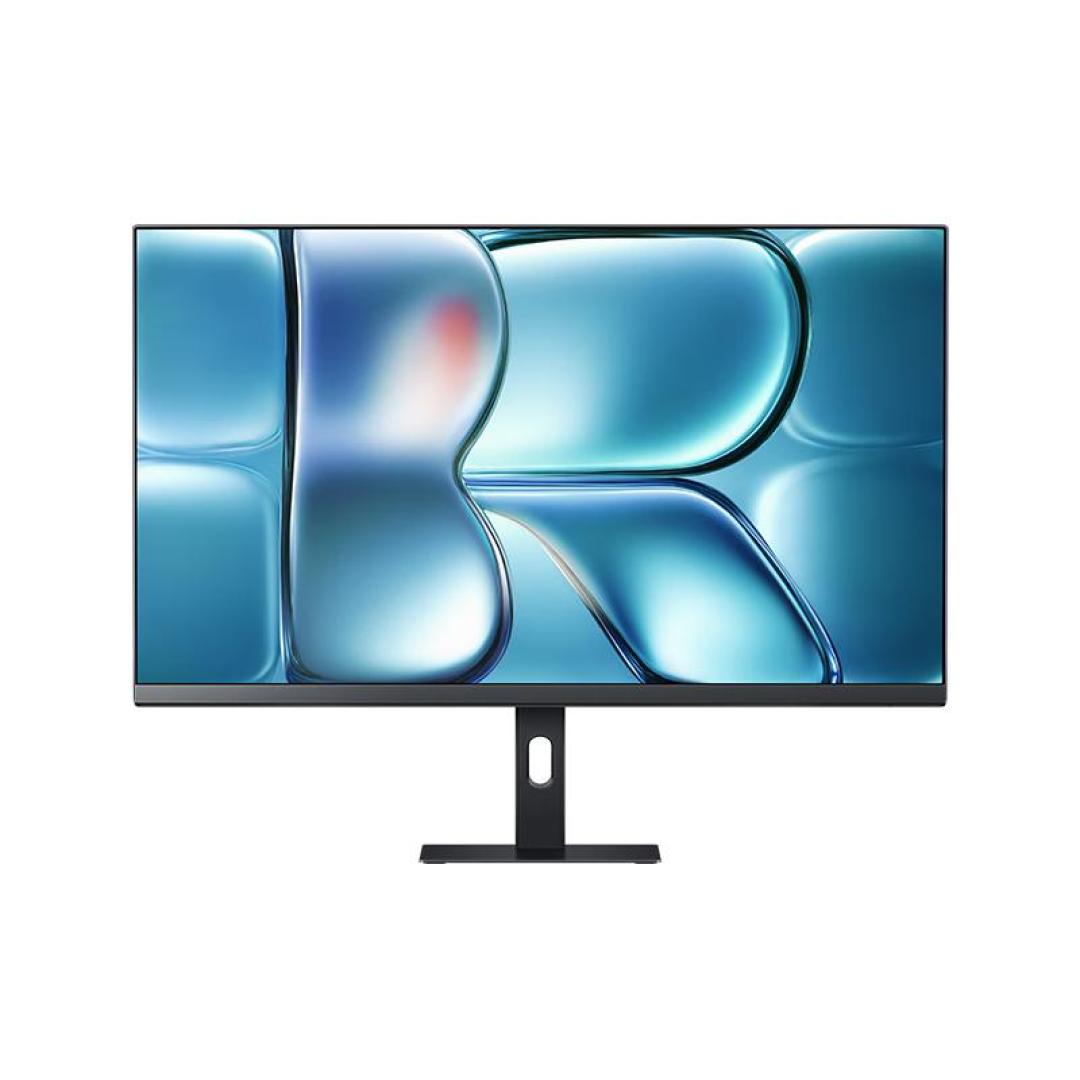
Redmi P27QDB-RA Review 2026: 27-Inch 2K 120Hz IPS Monitor at ¥629
The Redmi P27QDB-RA is the ¥629 27-inch 2K monitor that answers the question most Chinese WFH, dorm and office buyers actually ask: do I need to spend twice as much for a screen that makes spreadsheets and streaming look this good? On JD’s self-operated store the P27QDB-RA — a 27-inch IPS flat panel at 2560×1440, 120Hz and 95% DCI-P3 — is on the Sep 8 deal feed at ¥629, a price 16% below the last published low on a listing carrying a 98% positive rate. It is Redmi’s newest budget 2K productivity SKU, a sibling of the A27Q 2026 refresh, and it sits at the exact spot where refresh rate, resolution and color coverage stop being marketing numbers and start being daily comfort. Xiaohongshu’s office-praise notes (“2K wide-gamut office weapon”) are the buy signal; the family’s panel-QC complaint threads are the caveat every P27QDB buyer should read before ordering. Conclusion: ✅ the ¥629 sweet spot for 2K productivity, mixed light gaming and media; ⚠️ step up to the 320Hz P27QEA-RG or a 4K A27U only if competitive gaming or pixel density demands it, and buy from JD self-operated given the QC-lottery chatter.
Specifications
| Specification | Detail |
|---|---|
| Model | Redmi (Xiaomi) P27QDB-RA — 27” IPS flat-panel desktop monitor |
| Panel | 27” IPS, flat (not curved) |
| Resolution | 2560×1440 (2K / QHD) |
| Refresh rate | 120Hz |
| Color | 95% DCI-P3 coverage |
| Viewing | Wide-angle IPS, general productivity class |
| Stand | Multi-function stand (tilt/swivel/height adjustability included) |
| Positioning | Productivity / office / mixed light gaming |
| Family siblings | A27Q 2026 refresh, P27QEA-RG (320Hz), A27U (4K) |
| Platform | JD self-operated (tracked) |
| Price (2026-09) | ¥629 (Sep 8 deal, 16% below last published low) |
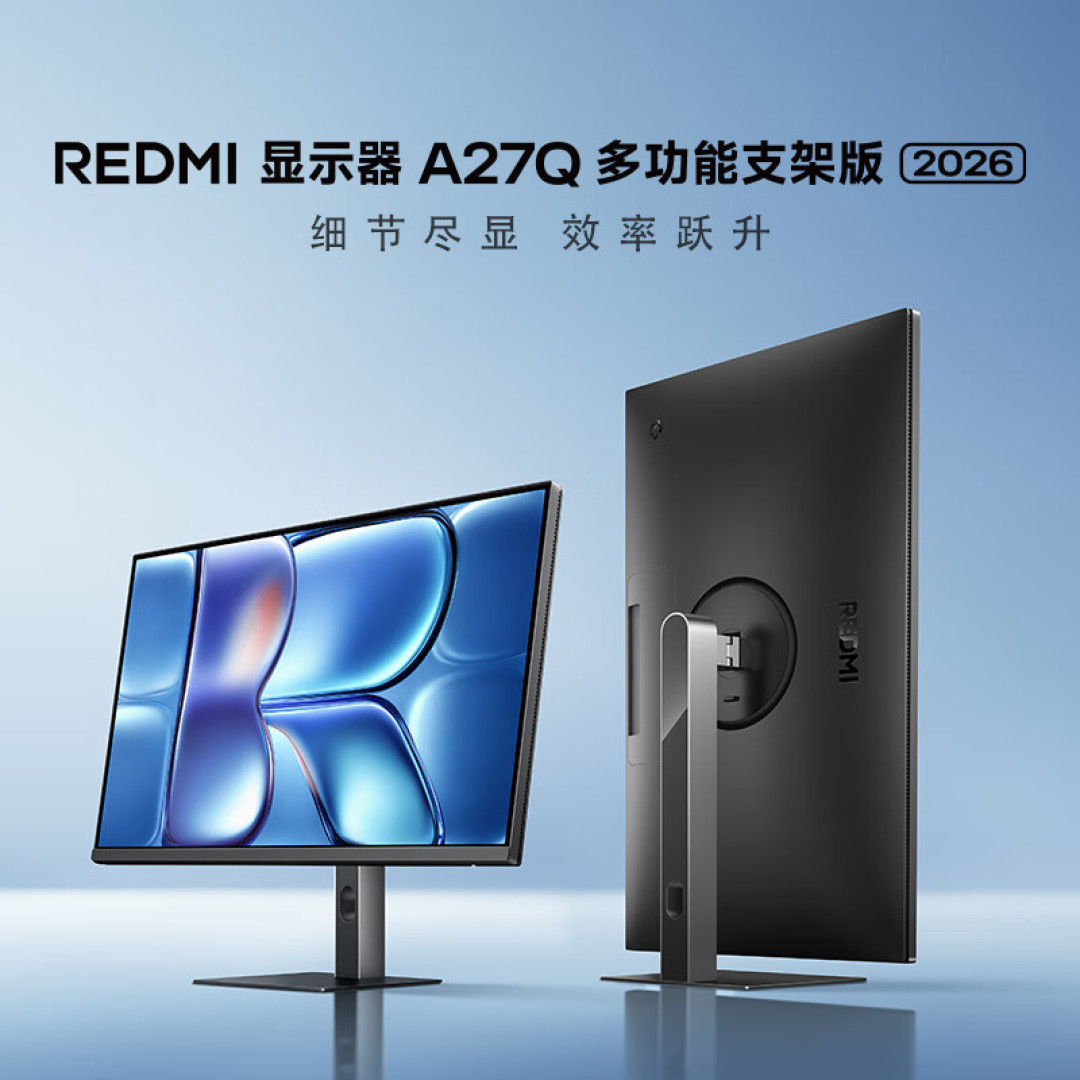 — the P27QDB-RA’s flat IPS panel and multi-function stand; at 2560×1440 and 120Hz it is built for all-day work first, gaming second.
Why 2K at 120Hz Is the ¥629 Productivity Sweet Spot
Chinese monitor buyers are trained to chase Hz. The deal feed is full of 180Hz and 220Hz gaming panels at this price, so a “mere” 120Hz screen needs explaining — and the explanation is where the P27QDB-RA wins. On a 27-inch desktop panel, 2560×1440 delivers roughly 109 pixels per inch, which is the density where text stops looking soft and spreadsheet grids stop shimmering; that is the difference you feel at hour six of a workday, not the difference you benchmark. The 95% DCI-P3 coverage matters for the same reason: photo editing, design drafts and even video streaming render with noticeably richer color than the sRGB-only panels Redmi used to ship at this price.
The 120Hz refresh then covers everything that is not hardcore competitive gaming. Windows and macOS feel dramatically smoother at 120 frames than at 60 — cursor glide, window drags, document scrolling — and 120Hz is exactly where console-style and light PC gaming (Hades-likes, racing, co-op titles, MOBA at moderate settings) looks fluid. What 120Hz is not is a 300Hz e-sports panel, and that is fine: the people who need 240Hz+ are CS2 and Valorant grinders playing at 400+ fps, and they should not be buying a productivity monitor anyway. At ¥629, this monitor is priced like a budget 1080p panel from two years ago while delivering the resolution and color of panels that cost ¥1,000+ not long ago — that gap is the entire argument.
The Redmi 27-Inch Monitor Ladder, Decoded
Redmi and Xiaomi now field a confusingly complete 27-inch family, and the P27QDB-RA slots into a ladder that the deals make explicit:
| Rung | Model | Spec focus | Street price |
|---|---|---|---|
| Budget gaming | Redmi G27Q | 27” 2K gaming variant | ¥592.74 |
| Productivity (this) | P27QDB-RA | 2K 120Hz, 95% DCI-P3 | ¥629 |
| High-refresh | Xiaomi P27QEA-RG | 2K 320Hz Fast IPS | ¥855 |
| 4K | Xiaomi A27U family | 4K variants | ¥1,000+ |
The G27Q at ¥592.74 is the gaming-tuned sibling and technically a few yuan cheaper — but the two are different tools, and the ¥36 gap says nothing about which one you want. The P27QDB-RA’s 95% DCI-P3 and productivity-tuned stand make it the office pick, while the G27Q leans toward gamers on a bare-minimum budget. Above both, the P27QEA-RG at ¥855 buys 320Hz Fast IPS for serious esports, and the A27U 4K line (¥1,000+) is where you go for pixel density over speed. The P27QDB-RA is the rung most people actually need: full 2K, smooth 120Hz, wide color, at a price barely above the cheapest gaming panels. The A27Q 2026 refresh shares this 2K 120Hz class, which is why hands-on notes for the A27Q family read as a proxy for this panel’s daily behavior.
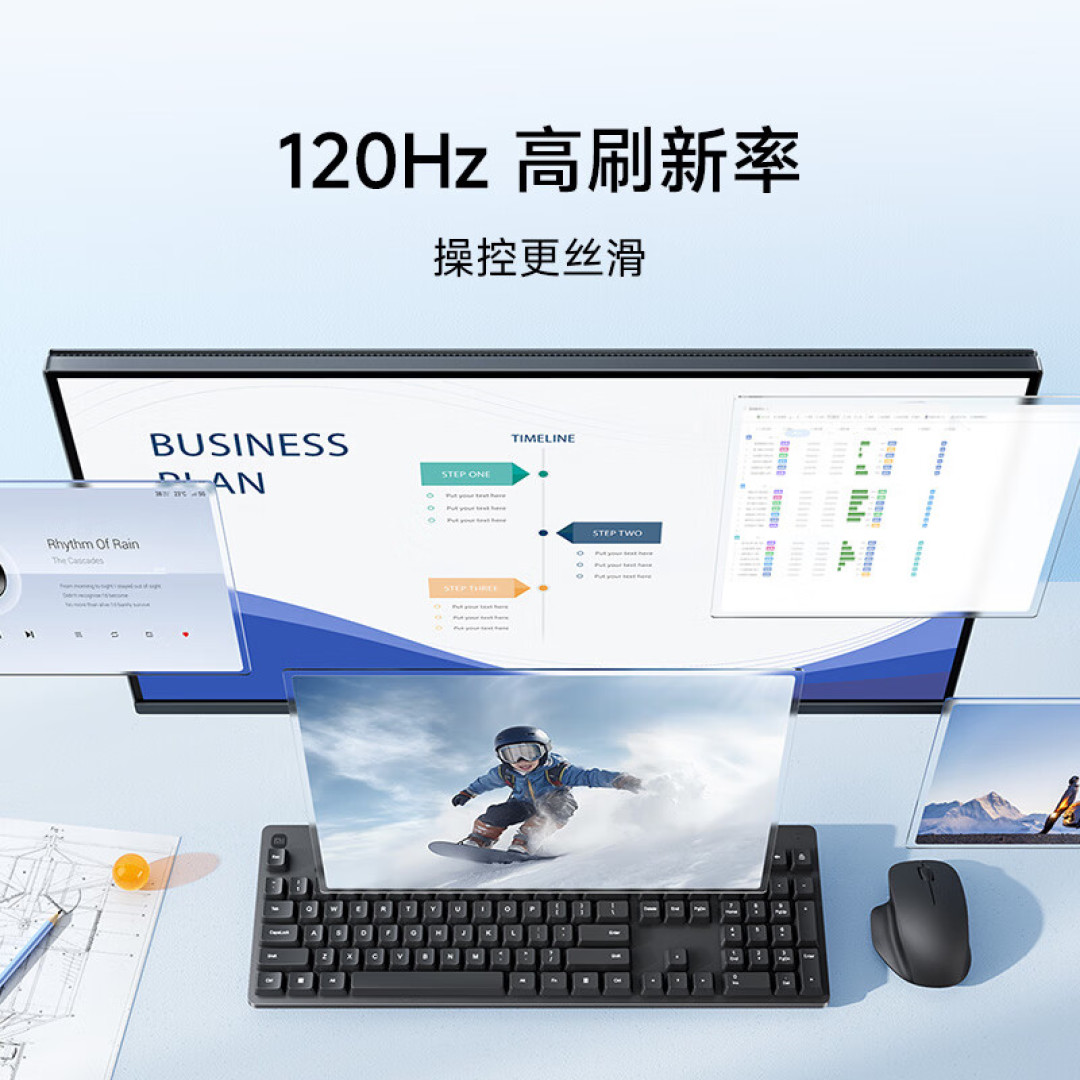 — the multi-function stand and clean rear layout that separate the productivity-tuned P27QDB-RA from Redmi’s bare-minimum gaming SKUs.
What Xiaohongshu Users Say
The buy signals. The strongest praise cluster is office-first: the widely shared “office weapon, 2K wide-gamut monitor” note from top product-notes author Xiaowangzi frames the P27QDB-RA class as exactly what it is — a work screen that happens to look good — and his companion A27Q 2026 review (“office and entertainment, the all-round value pick”) extends the same verdict to the family. Hands-on testing of the A27Q 2026 refresh in the same 2K 120Hz class reports a good experience across gaming and movies, which matches what owners of this panel generation say about motion smoothness and color. A 27-inch Redmi monitor roundup from April 2026 (“Redmi 27-inch monitor 2026”) keeps the family on the shortlist for budget buyers, and XHS user Zhinanboshi’s three-monitor 27-inch field test (112 likes) — “tested three 27-inch screens side by side so you pick right without stepping on a landmine” — lands repeatedly on the idea that the ¥600-800 band is where 2K monitors became genuinely good.
The caveats that are actually useful. The honest counterweight is the QC cluster, and it is family-level rather than P27QDB-specific. Xiaohongshu hosts recurring complaint threads with titles like “watch out for Xiaomi monitor garbage QC” (a July 4 post from user Xiaozhuxia) and “Xiaomi’s quality control — honestly, it is not good,” alongside the more balanced “A27U 4K version differences and recommendations” guide (376 likes) that treats the line as worth buying but worth checking. The pattern across all of these: buyers complain about panel lottery — dead pixels, backlight bleed, uniformity — far more than about the specs on the box. That is the standard caveat for budget Xiaomi-family hardware, and it is exactly why buying the P27QDB-RA from JD’s self-operated channel (with its return and exchange service) is the sensible way to play it.
Verdict from Xiaohongshu: Redmi’s 2K monitor family earns genuinely warm owner sentiment for office use, color and value — with a QC-lottery asterisk that self-operated purchasing and a panel check on arrival handle in practice.
Redmi P27QDB-RA vs Competitors (2026-09 Prices)
| Monitor | Price (2026-09) | Panel | Key Difference |
|---|---|---|---|
| Redmi P27QDB-RA (this) | ¥629 | 27” 2K 120Hz IPS, 95% DCI-P3 | Best productivity value at ¥629 |
| Redmi G27Q | ¥592.74 | 27” 2K gaming variant | Gaming-tuned, cheaper by ¥36 |
| Xiaomi P27QEA-RG | ¥855 | 27” 2K 320Hz Fast IPS | For competitive gamers |
| HKC G27H2Max | ¥769 | 27” 2K 220Hz | High refresh for ~¥140 more |
| Huawei MateView GT | ¥781.63 | 27” 2K high-refresh | Curved GT brand premium |
The honest read: the P27QDB-RA undercuts every meaningful rival at its own game. The HKC G27H2Max (¥769) and Huawei MateView GT (¥781.63) cost ¥140-150 more for higher refresh and brand positioning, but neither out-specs the Redmi for office-and-media use, where 120Hz plus 95% DCI-P3 is already more than enough. If your monitor is a gaming peripheral, the ¥855 P27QEA-RG is the honest upgrade; if your monitor is a desk tool, this is the one.
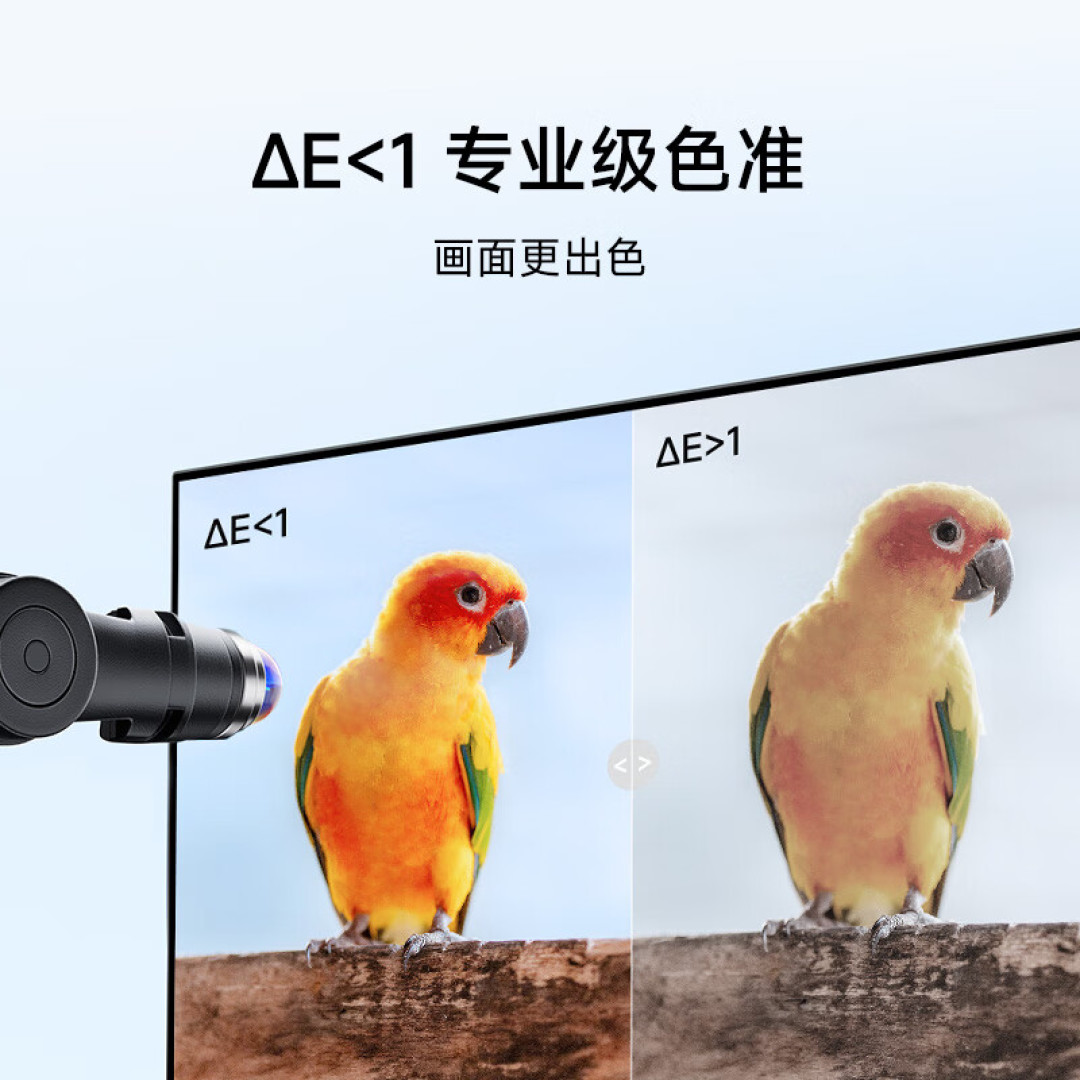 — a typical 2K productivity setup: the P27QDB-RA at 120Hz handles document work, streaming and light gaming from one panel.
Who Should Buy the Redmi P27QDB-RA
✅ Buy if: you work from home, live in a dorm or sit at an office desk and stare at documents, spreadsheets, code or video all day; you want 2K sharpness and 95% DCI-P3 color without paying 4K money; you game casually or on console-class titles where 120Hz is plenty; or you are outfitting a second desk or a study setup on a budget — buy at the ¥629 JD self-operated price.
💰 Cheaper alternative: the Redmi G27Q at ¥592.74 is a few yuan cheaper and gaming-tuned, but it trades away some of the P27QDB-RA’s color-and-productivity focus. Below ¥500 you are back in 1080p territory and losing the entire point of this monitor.
⚠️ Skip if: you are a serious competitive gamer chasing 240Hz+ (the P27QEA-RG at ¥855 or the HKC G27H2Max at ¥769 are the honest picks); you need 4K pixel density for photo work at 100% zoom (step up to the A27U line); or you need USB-C docking or KVM features that simply do not exist at this tier — those arrive at roughly double the price.
FAQ
Q: Is 120Hz enough for gaming on this monitor? A: For casual, console-style and mid-tier PC gaming, yes — 120Hz is smooth and a huge step up from 60Hz. Only competitive shooters at high frame rates need more, and for those you should buy the 320Hz P27QEA-RG (¥855) or a 220Hz panel like the HKC G27H2Max (¥769) instead.
Q: What is the difference between the P27QDB-RA, G27Q and P27QEA-RG? A: Same 27-inch 2K family, different targets. The G27Q (¥592.74) is the gaming-tuned budget SKU; the P27QDB-RA (¥629, this review) is the productivity pick with 95% DCI-P3 color and a multi-function stand; the P27QEA-RG (¥855) jumps to 320Hz Fast IPS for esports. The A27U family (¥1,000+) is the 4K rung above all of them.
Q: Is the 98% positive rate reliable? A: It is the rate tracked on the JD self-operated listing that the SMZDM deal feed monitors. Xiaohongshu sentiment on the Redmi/Xiaomi monitor family is genuinely positive on value and picture quality, with recurring QC-lottery complaints (dead pixels, bleed) — which is precisely why buying from JD self-operated and checking the panel on arrival is the recommended route.
Q: Does this monitor have USB-C or KVM? A: No — at ¥629 that tier of connectivity does not exist. You get standard video inputs on a productivity panel. USB-C with power delivery and KVM switching typically starts around double this price in the 2K/4K segment.
Q: Will the ¥629 price drop again? A: The Sep 8 deal is already 16% below the last published low, and ¥629-class pricing has been the floor for 2K panels in recent deal cycles. Monitor deals move with JD promotions, so ¥629 is a strong entry point; if you miss it, the tracked street price tends to hover in the ¥650-700 band between promos.
Rating
- Display quality: 8.0/10 — 2K, 95% DCI-P3 and IPS viewing angles at a 1080p-era price
- Refresh & motion: 7.5/10 — 120Hz is the productivity sweet spot; not an esports panel
- Build & stand: 7.5/10 — multi-function stand is a real plus; family QC lottery applies
- Value: 8.0/10 — ¥629 undercuts HKC and Huawei rivals by ¥140-150 at the same job
- Overall: 7.8/10 — The ¥629 2K productivity sweet spot — buy from JD self-operated, check the panel on arrival, and ignore the Hz arms race.
Review based on SMZDM deal history (p/181932265, Sep 8 2026), Redmi P27QDB-RA wiki spec data (27” IPS 2560×1440, 120Hz, 95% DCI-P3, 98% positive rate on the tracked JD self-operated listing), and Xiaohongshu search results as of September 9, 2026. Prices are point-in-time and move with JD promotions.
Not sure which to choose?
Compare specs side-by-side with our Product Comparator Tool
Related Reviews
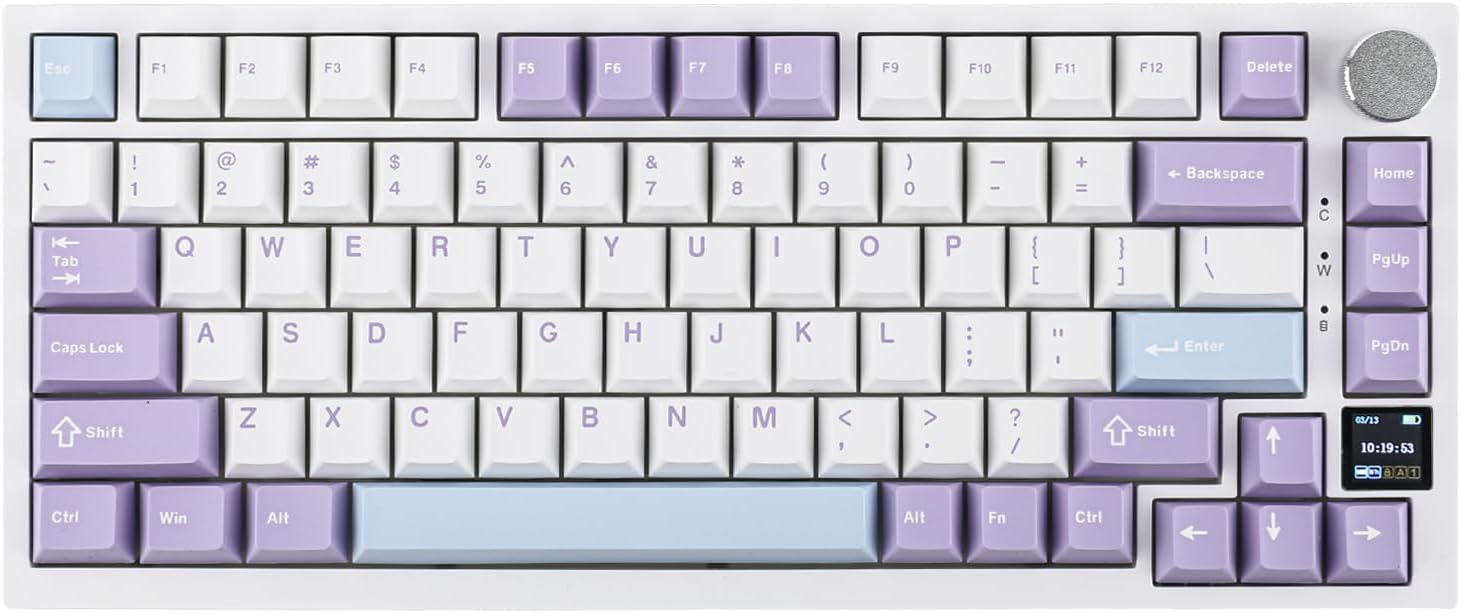
Ajazz AK820 Pro Review: 75% Mechanical Keyboard with Built-In Screen
Ajazz AK820 Pro has 20,000+ reviews on JD.com with a 4.5/5 rating at ¥199 ($28). Users love the innovative LCD screen, g
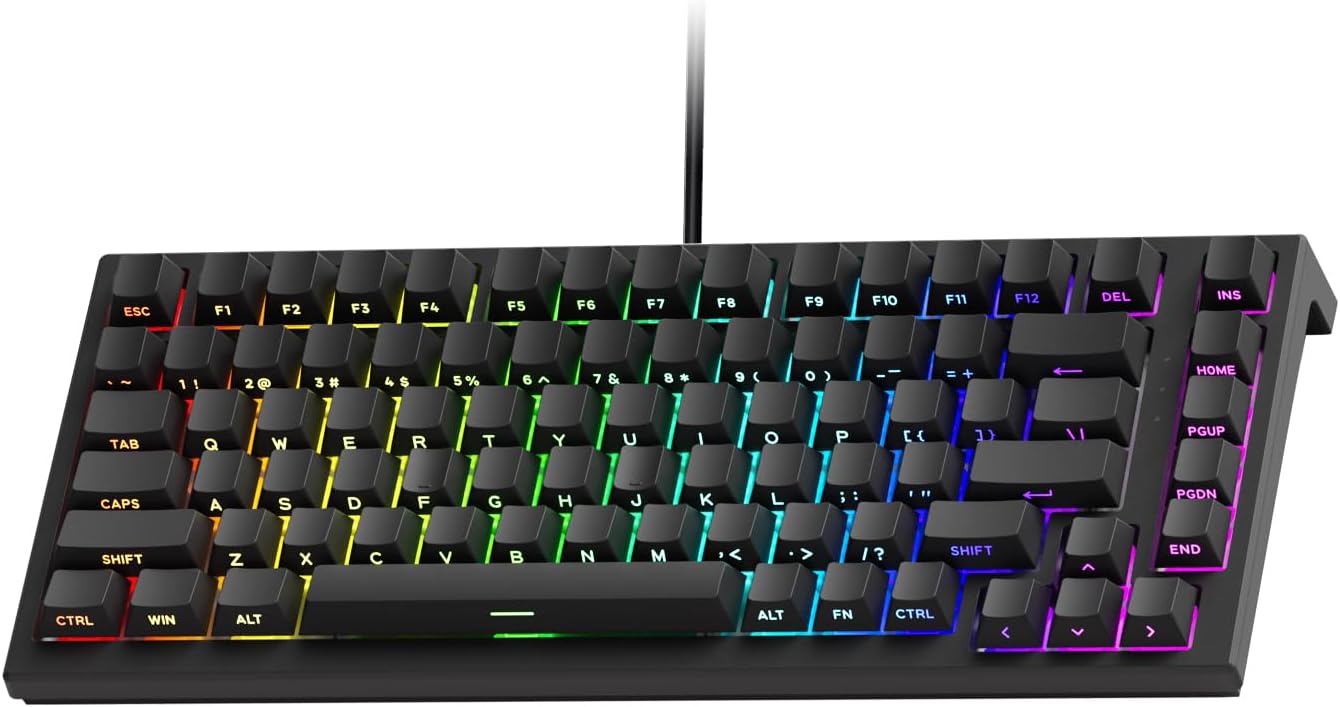
Akko 3068 Plus Review: The Compact 65% with Gasket Mount Comfort
Akko 3068 Plus has 10,000+ reviews on JD.com with a 4.5/5 rating at ¥269 ($38). Users praise the gasket mount typing fee
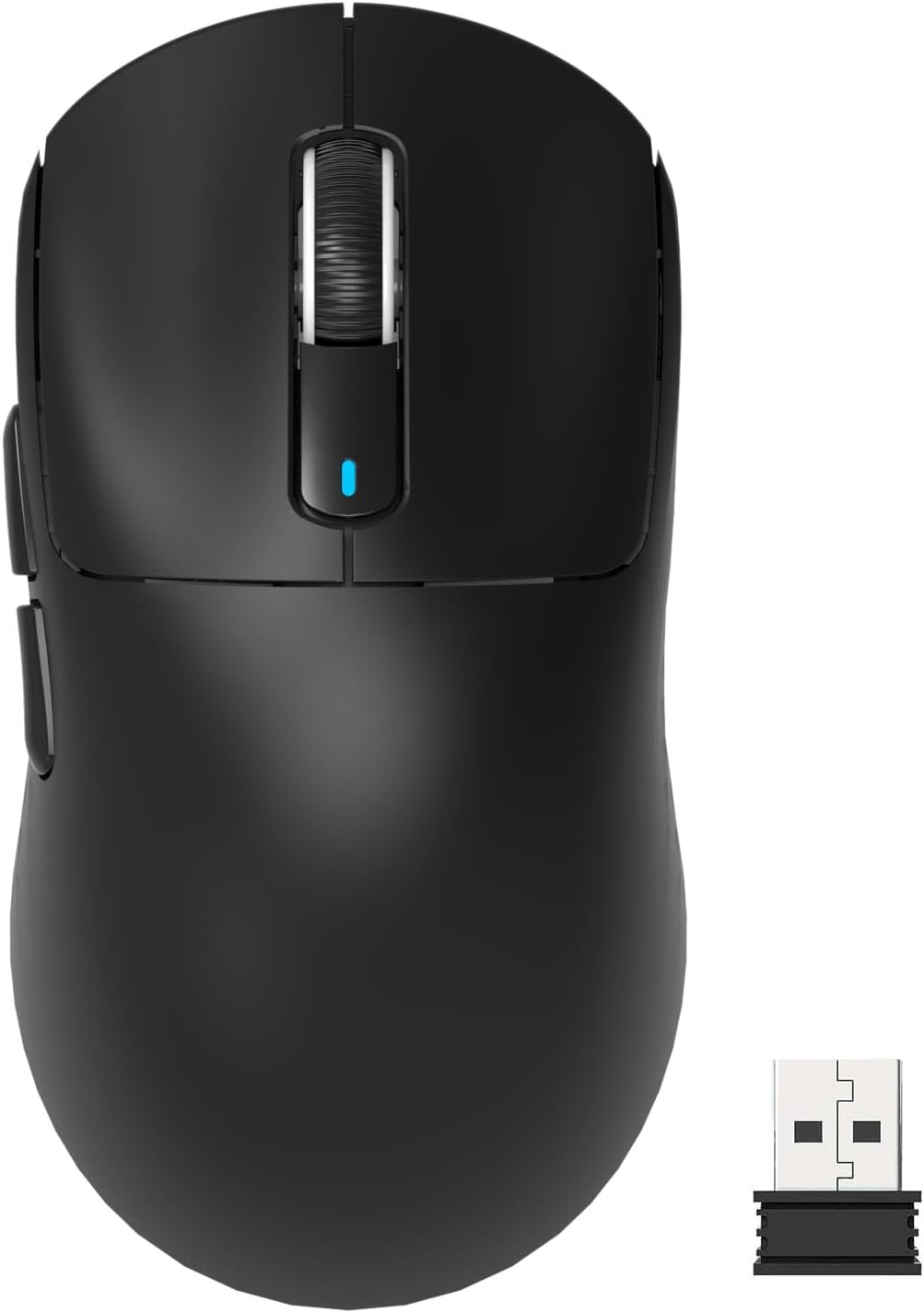
Attack Shark X3 Mouse Review: The Ultra-Budget PAW3395 Gaming Mouse
Attack Shark X3 has 30,000+ reviews on JD.com with a 4.5/5 rating at ¥119 ($17). Users love the unbeatable price for PAW
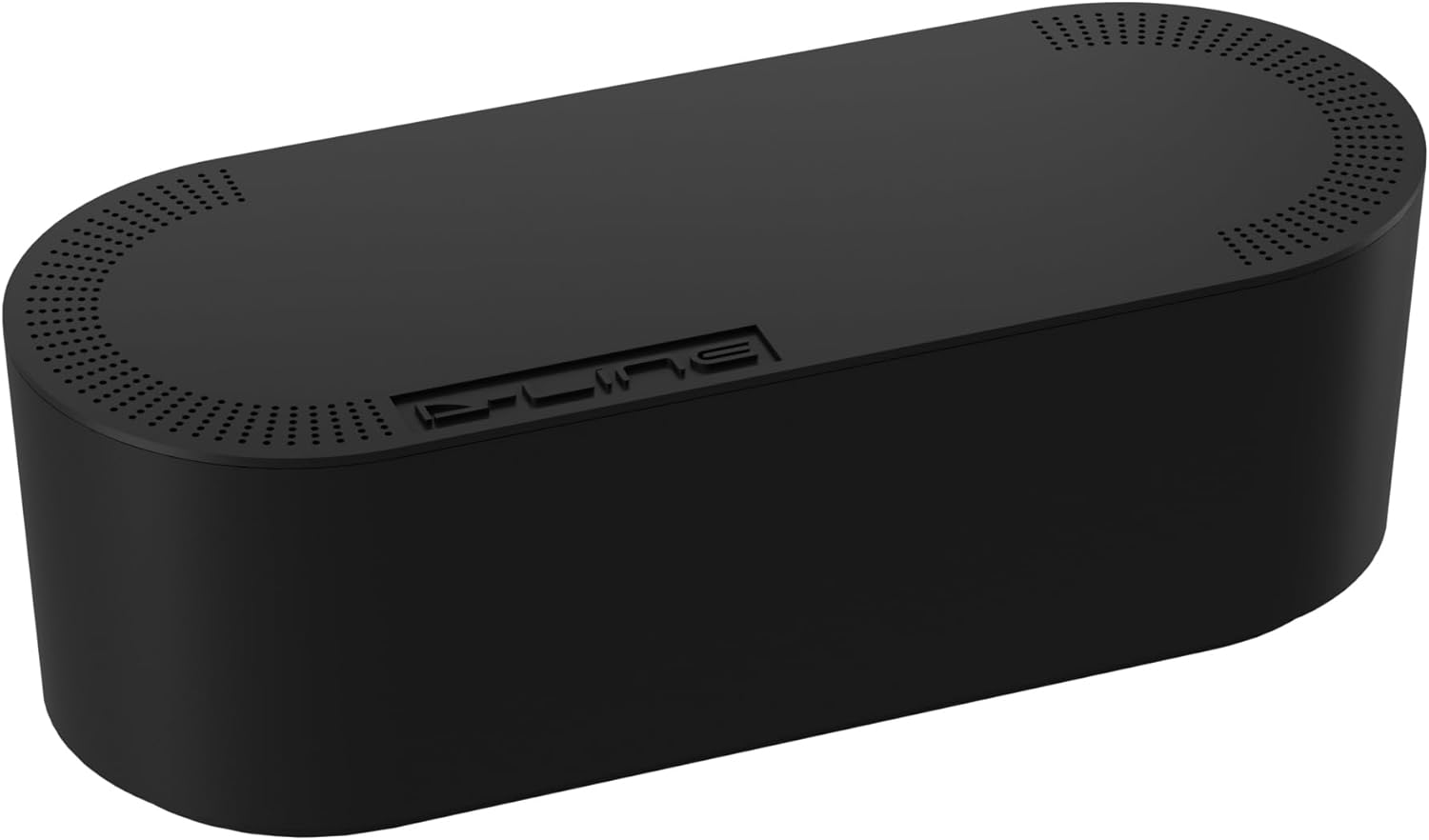
Baseus Cable Management Box Review: Tame Your Desktop Chaos for ¥39
Baseus Cable Management Box has 40,000+ reviews on JD.com with a 4.5/5 rating at ¥39 ($5.50). Users love how it hides ca
Baseus Desk Mat Review: Washable Waterproof Desk Pad for Clean Workspaces
Baseus Desk Mat has 50,000+ reviews on JD.com with a 4.3/5 rating at ¥69 ($10). Users love the waterproof surface and ea