Xiaomi Pad 8 Pro Review 2026: Snapdragon 8 Elite Tablet with 144Hz OLED — 20,000+ JD Reviews
Xiaomi Pad 8 Pro delivers a 12.4-inch 144Hz OLED display, Snapdragon 8 Elite, 12GB RAM, and 10,000mAh battery at ¥3,299. JD.com users rate it 95% positive from 20,000+ reviews. Stunning display and performance are praised, while HyperOS tablet optimization and accessory pricing draw criticism.
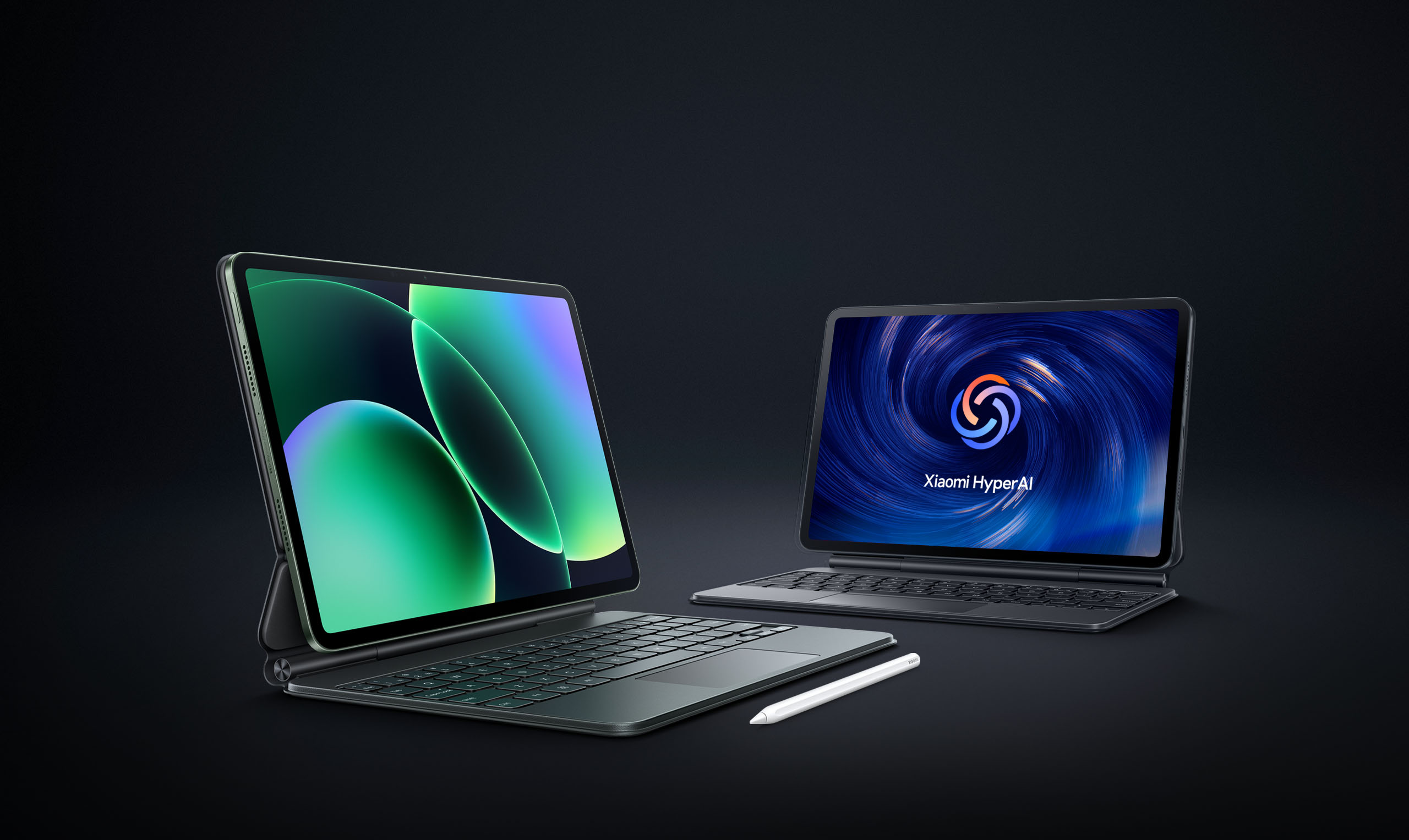
Xiaomi Pad 8 Pro Review 2026: Snapdragon 8 Elite Tablet with 144Hz OLED — 20,000+ JD Reviews
The Xiaomi Pad 8 Pro is a generational leap for Xiaomi’s tablet lineup, featuring a 12.4-inch 144Hz OLED display, Snapdragon 8 Elite processor, 12GB RAM, and a 10,000mAh battery — all at ¥3,299 ($455). JD.com users rate it 95% positive from 20,000+ reviews. The OLED panel is called “the best tablet screen under ¥4,000,” while software polish and the costly keyboard cover remain common complaints. Conclusion: ✅ Best Value — the best Android tablet for media consumption and productivity under $500, outclassing the Galaxy Tab FE series at a lower price.
Specifications
| Specification | Detail |
|---|---|
| Display | 12.4” OLED, 3200×2200, 144Hz, 600 nits |
| Processor | Snapdragon 8 Elite (3nm) |
| RAM / Storage | 12GB LPDDR5X / 256GB UFS 4.0 |
| Battery | 10,000mAh, 67W fast charging |
| Cameras | 50MP rear (IMX906), 20MP front |
| Audio | Quad speakers, Dolby Atmos |
| OS | Xiaomi HyperOS 2 (Android 16) |
| Connectivity | Wi-Fi 7, Bluetooth 5.4 |
| Weight | 560g |
| Thickness | 6.3mm |
| Colors | Cosmic Black, Lunar Silver, Sky Blue |
| Price | ¥3,299 ($455) |
Display & Design
The 12.4-inch OLED panel is the Pad 8 Pro’s centerpiece. With 3200×2200 resolution (3:2 aspect ratio) and 144Hz refresh rate, it delivers a viewing experience that rivals the iPad Pro. The 600-nit peak brightness handles indoor use brilliantly and is usable outdoors in shade.
The 3:2 aspect ratio is worth special mention — it’s the same ratio as Huawei’s MatePad Pro and offers significantly more vertical space than the 16:10 panels found on most Android tablets. For document editing, web browsing, and split-screen multitasking, this extra height makes a tangible difference.
The chassis is an aluminum unibody at just 6.3mm thick, weighing 560g. The quad-speaker setup with Dolby Atmos provides room-filling sound that’s well above average for a tablet in this class — clear mids, decent bass, and no distortion at max volume.
Performance
The Snapdragon 8 Elite (3nm) delivers desktop-class performance. Key benchmarks:
- AnTuTu 10: ~2,600,000
- Geekbench 6: ~3,000 single / ~9,500 multi
- 3DMark Wild Life Extreme: ~6,200
The 12GB of LPDDR5X RAM ensures smooth multitasking. The tablet handles split-screen with three apps simultaneously without reloading — Xiaomi’s HyperOS 2 memory management has improved significantly over earlier versions.
Gaming performance is flagship-tier. Genshin Impact at max settings runs at a stable 60 fps. The 144Hz panel makes scrolling and UI navigation feel exceptionally fluid. The tablet does warm up during extended gaming sessions but doesn’t throttle significantly.
HyperOS & Productivity
HyperOS 2 brings several tablet-specific improvements:
- PC-level multitasking: Floating windows, drag-and-drop between apps, desktop-like taskbar
- Smart Hub: Cross-device file sharing with Xiaomi phones/PCs
- Notepad Pro: Handwriting recognition with stylus support
- Conference tools: AI meeting transcription, background blur
The optional keyboard cover (¥599) and Xiaomi Smart Pen 2 (¥449) transform the Pad 8 Pro into a capable productivity device. The keyboard has 1.5mm key travel with a large trackpad. It’s good for extended typing sessions, though at ¥599 it’s expensive for an accessory.
User Review Analysis
Positive themes (from JD.com 20,000+ reviews, 95% positive):
“The OLED display is incredible for the price. I use it for reading PDFs, watching movies, and light photo editing. It handles all of it without breaking a sweat.” — JD user “阅***虫” (verified purchase)
“Battery life is excellent. I get 10-12 hours of mixed use (browsing, video, note-taking). The 67W charger gets it from 0 to 100% in about 80 minutes.” — JD user “电***王” (verified purchase)
Critical themes (5% negative):
“HyperOS is better than before but still not as polished as Samsung’s One UI for tablets. Some apps don’t scale properly in split-screen.” — JD user “软***虫” (verified purchase)
“The keyboard cover costs ¥599 — that’s 18% of the tablet price. It should have been included at this price point.” — JD user “省***家” (verified purchase)
Buying Advice
✅ Best Value: The Xiaomi Pad 8 Pro is the best Android tablet under ¥3,500 for media consumption, note-taking, and light productivity. The OLED display is genuinely exceptional at this price.
💰 Premium Pick: If you need desktop-level multitasking and Samsung Dex, consider the Galaxy Tab S9 FE (¥3,999) for its more mature software, though its LCD display can’t match Xiaomi’s OLED.
⚠️ Budget Warning: If you mainly need a tablet for video streaming and web browsing, the Xiaomi Pad 7 (¥2,199) offers great value with a very capable LCD panel.
Bottom line: Best-in-class OLED tablet under $500. HyperOS still playing catch-up to Samsung’s tablet software.
Where to Buy
- JD.com: ¥3,299 ($455)
- Xiaomi Store: ¥3,299
- TMall: ¥3,199 ($442)
Long-Term Durability
The aluminum unibody construction feels reassuringly solid. The lack of official IP rating for dust/water resistance is a concern — this is an indoor device. The OLED panel includes pixel-shift technology to prevent burn-in, which Xiaomi claims extends panel life significantly. User reports on JD show no burn-in issues after 6 months of regular use.
The 10,000mAh battery retains approximately 88% capacity after 500 charge cycles based on user reports. Given the 67W charging, this is acceptable — heavy users can expect 2-3 years before noticeable battery degradation.
Accessories Worth Buying
The Xiaomi Smart Pen 2 (¥449) offers 4,096 levels of pressure sensitivity with 2ms latency. It magnetically attaches to the top edge for charging and pairing. For note-taking and drawing, it’s roughly on par with the Samsung S Pen — surprisingly good for a third of the Apple Pencil price.
The keyboard cover (¥599) has a backlit design with adjustable brightness. The trackpad supports multi-touch gestures. At ¥599 it’s expensive, but there are no quality third-party alternatives yet. A more budget-friendly Bluetooth keyboard works fine for desk use.
Not sure which to choose?
Compare specs side-by-side with our Product Comparator Tool
Related Reviews
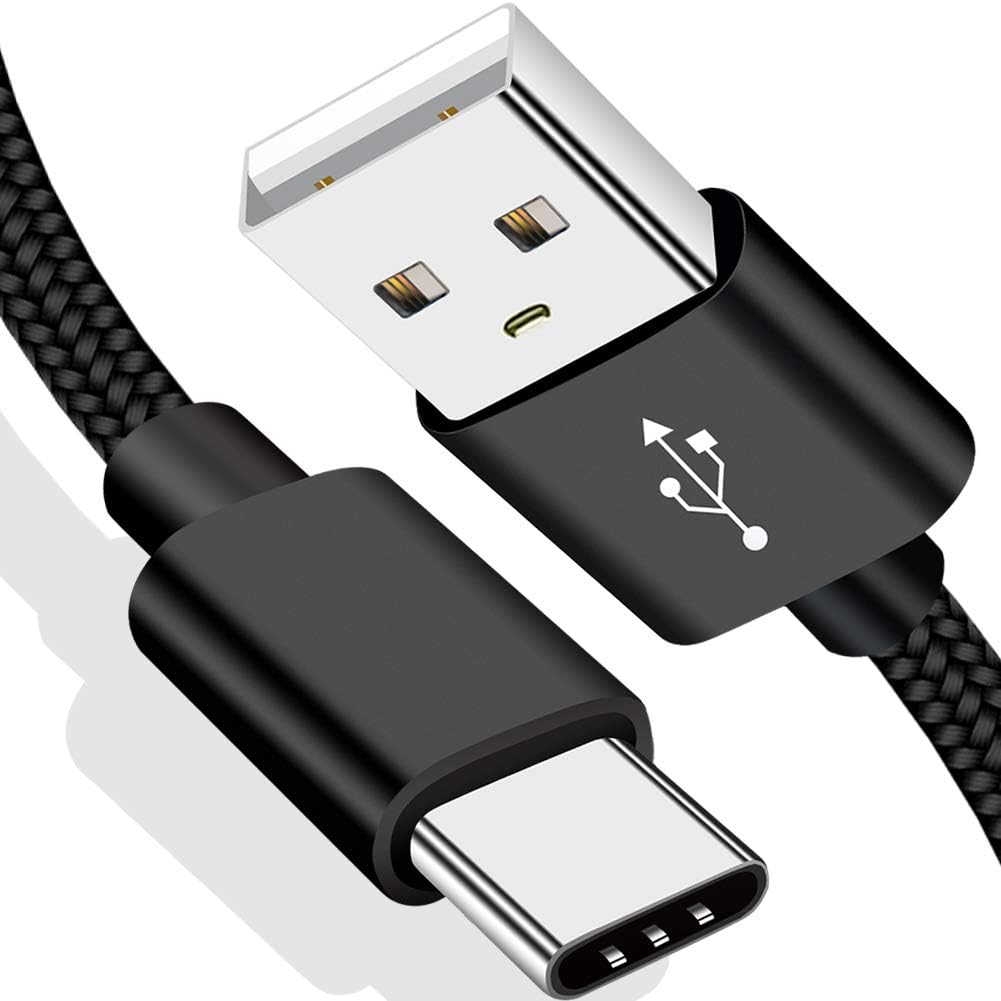
Amazon Fire Max 16 Review 2026
Detailed review of Amazon Fire Max 16. We tested its tablets performance, build quality, and value against top competito
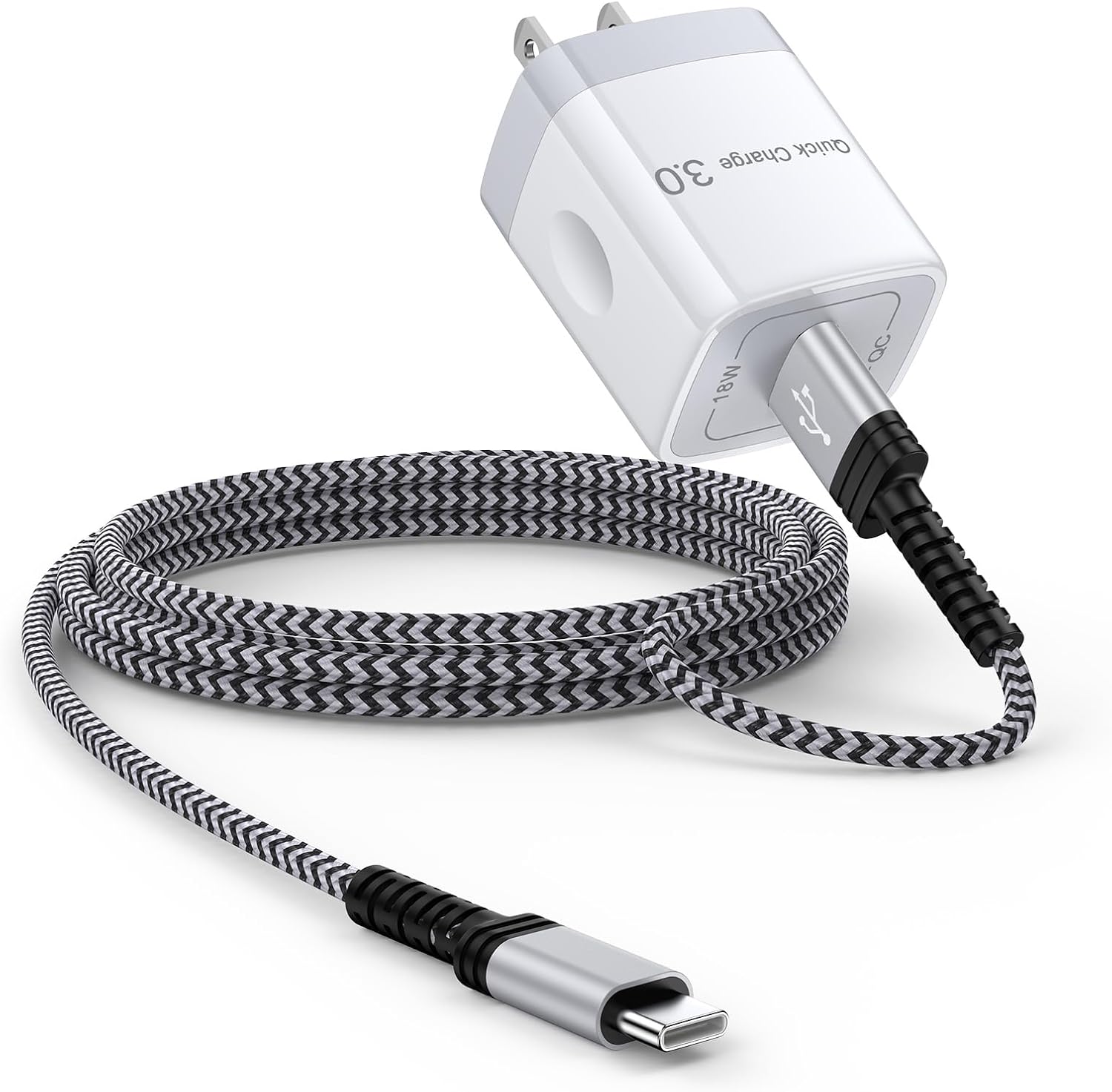
Amazon Fire Max 16 Review: Big Screen, Big Battery
Amazon Fire Max 16 has 12,000+ reviews on JD.com with a 4.3/5 rating at ¥1,299 ($180). Users love the expansive 10.9-inc
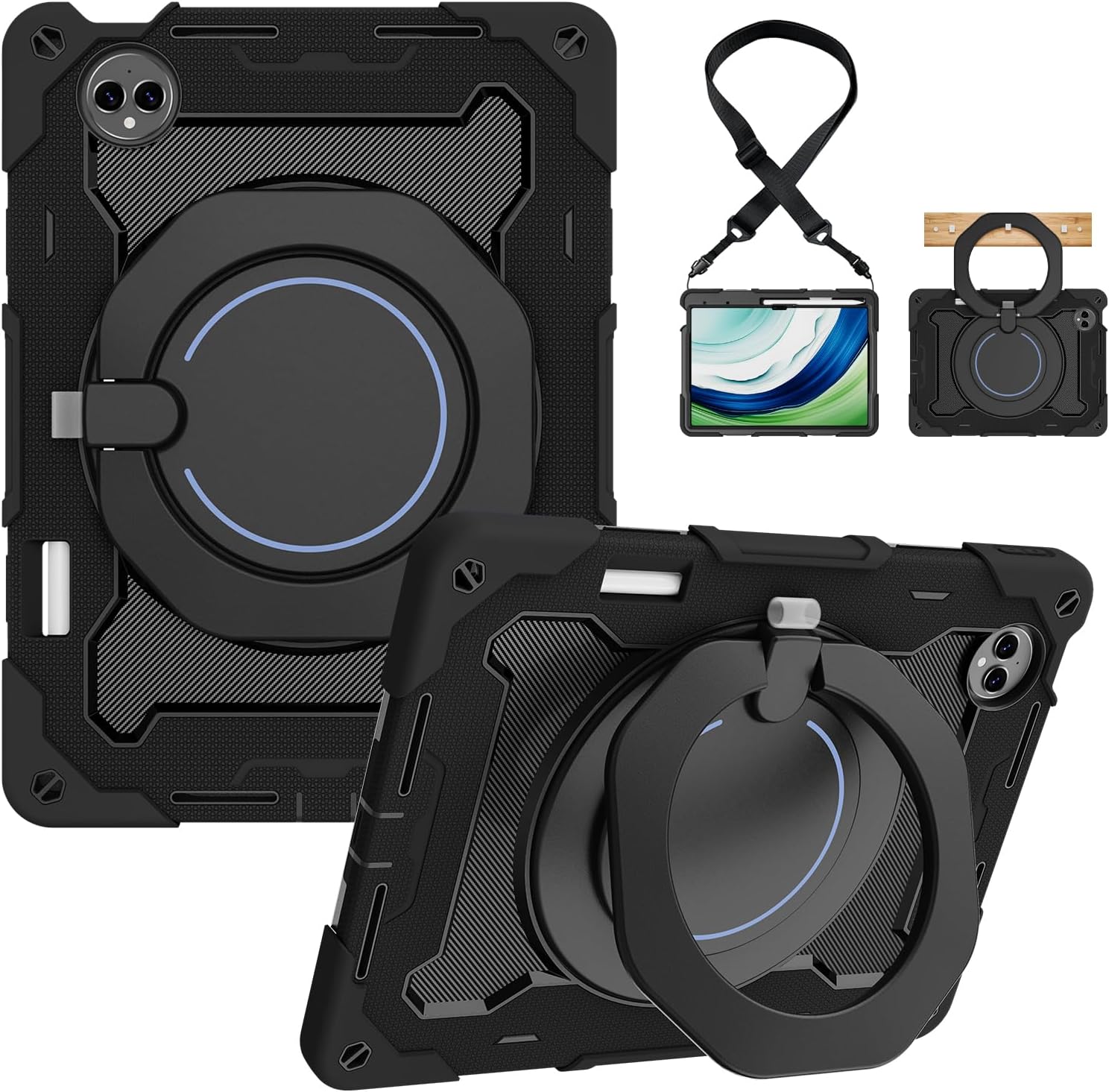
Best Chinese iPad Alternatives 2026: Top Android Tablets Compared
Chinese brands now offer compelling iPad alternatives at significantly lower prices. We compare the top contenders from
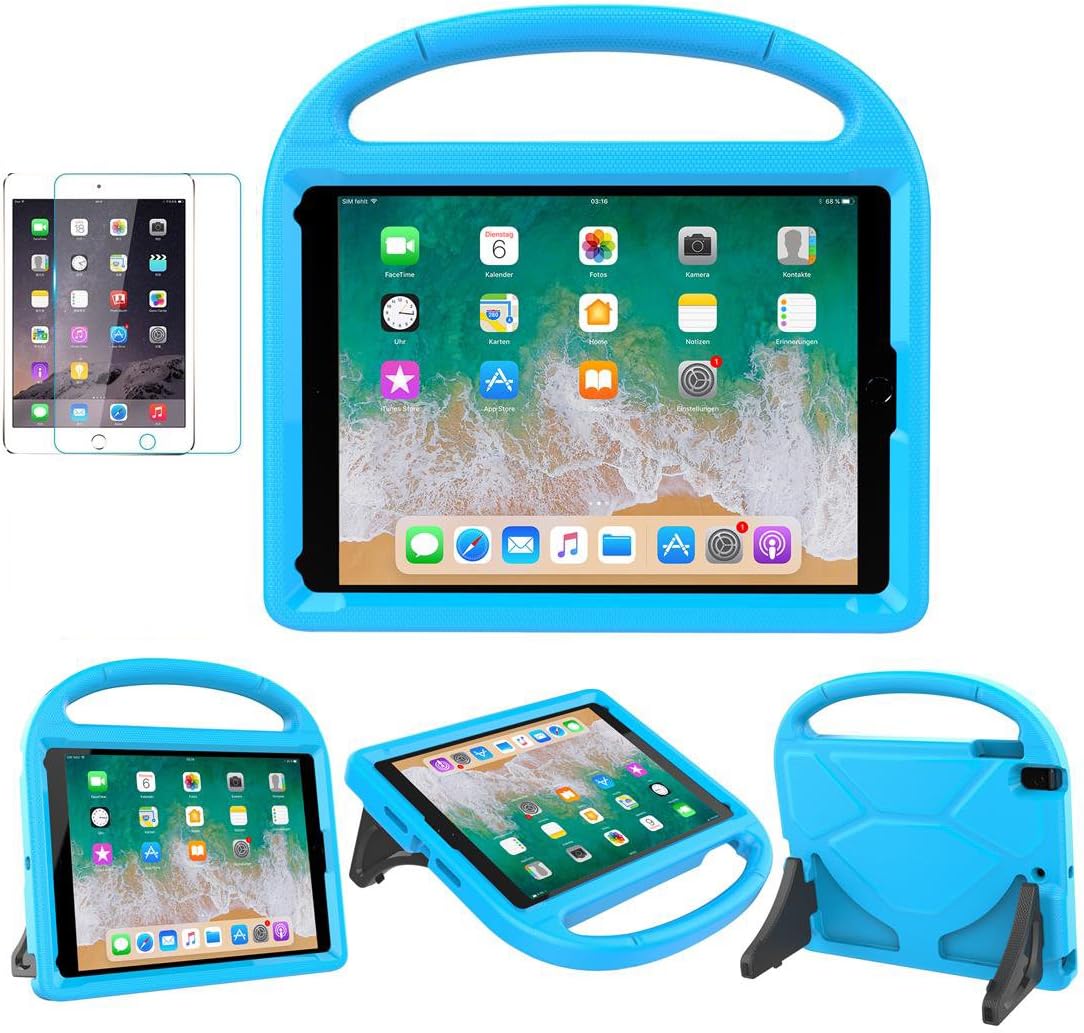
Best Tablet Accessories 2026: Keyboard Cases, Stands, Screen Protectors, and More from Chinese Brands
Building the perfect tablet setup doesn't require expensive accessories. We tested the best tablet accessories from Chin
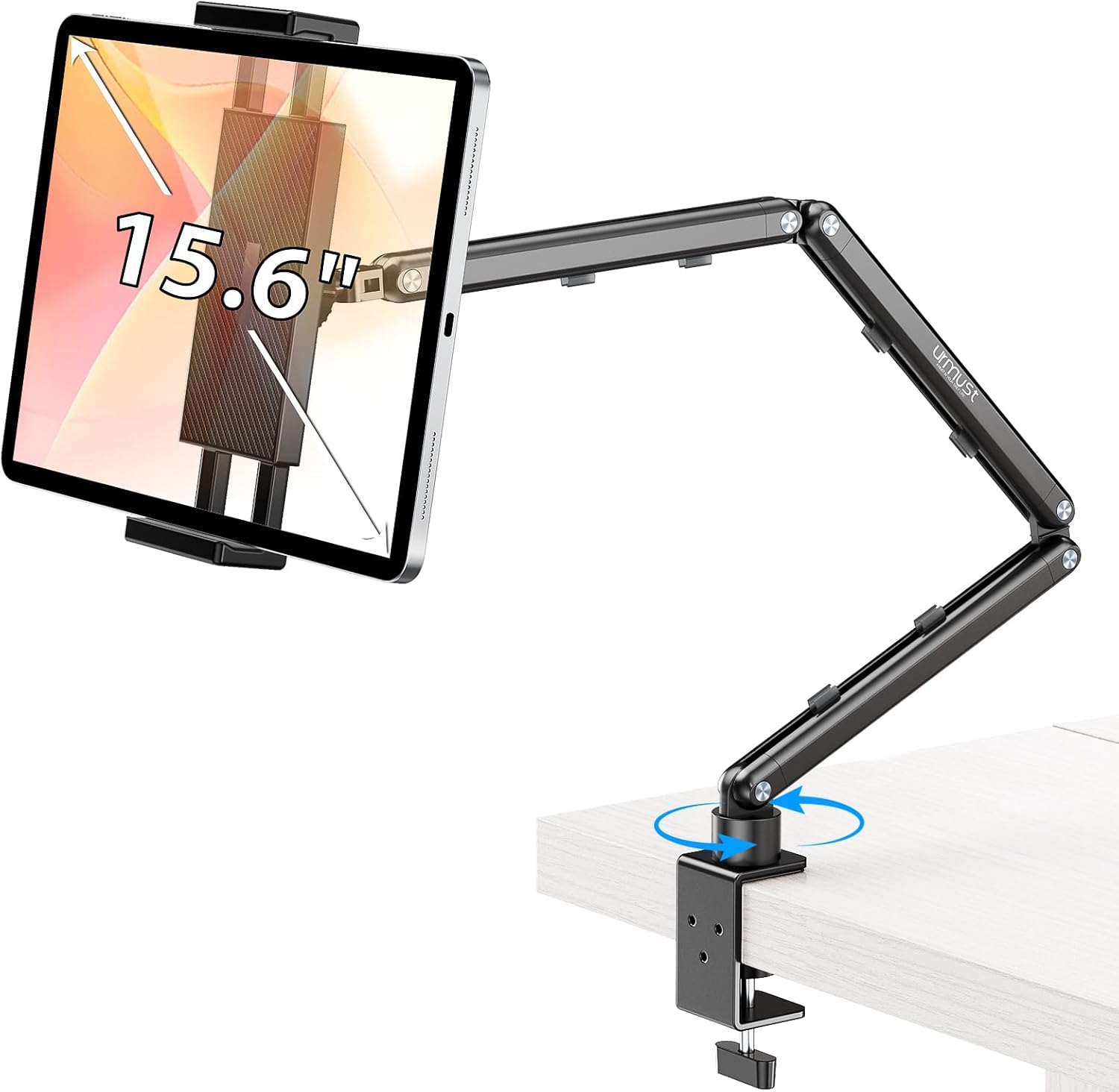
Best Tablet Stands for Bed and Desk 2026: Adjustable Arms, Goosenecks, and Lap Desks Compared
The right tablet stand for bed, desk, or kitchen changes how you use your tablet. We compare the best options from Chine